
How to submit your post
Send us your post link before your deadline.
 Written by Stack Influence
Updated November 17, 2026
- Publish your post on the platform the campaign asks for.
- Copy the link to the post. On Instagram, tap the three dots or the share icon on the post and choose Copy link. On TikTok, tap Share, then Copy link.
- Open the Submit Post link in your campaign email or the campaign in the app.
- Paste your link and submit.
Submit before your deadline. Once we check your post, your campaign is marked complete and your payment is released.
Did this answer your question?
Thanks for the feedback.
Sorry about that. Ask our assistant or email support@stackinfluence.com with your campaign name and social handle.
Need help with a specific campaign or payment?
Email support@stackinfluence.com with your campaign name and social handle and our team will look it up.
Keep learning
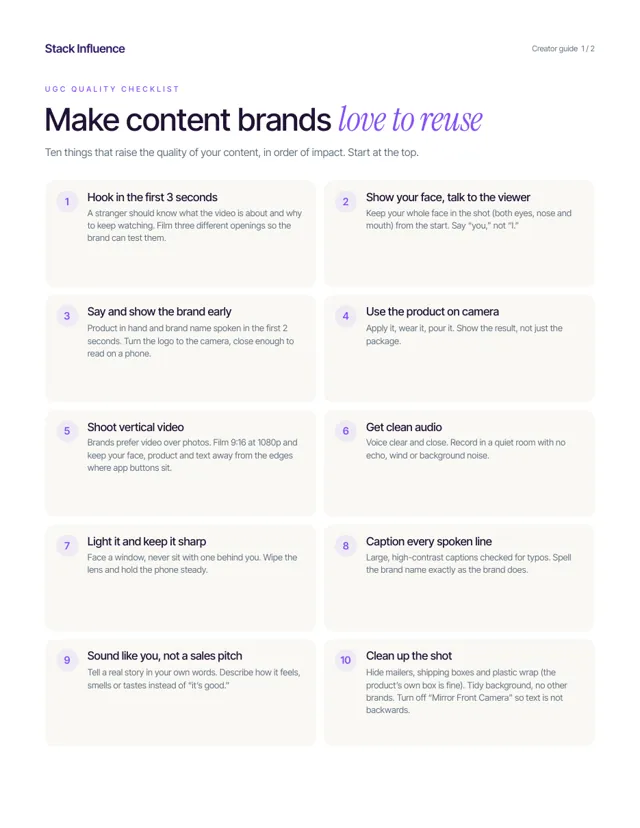 Content qualityUGC quality checklistTen things that raise the quality of your content, in order of impact, plus five rules to stay compliant.2 pages · Read the guide →