
My TikTok link won't submit
Fixes for TikTok submission errors.
 Written by Stack Influence
Updated November 17, 2026
Try these steps:
- Copy the link from the Share button in the TikTok app, not from your browser address bar.
- Make sure the video and your account are public.
- Wait a few minutes after posting, then try again.
- Check that you are submitting to the right campaign.
Still not working? Email support@stackinfluence.com with the campaign name and your TikTok link.
Did this answer your question?
Thanks for the feedback.
Sorry about that. Ask our assistant or email support@stackinfluence.com with your campaign name and social handle.
Need help with a specific campaign or payment?
Email support@stackinfluence.com with your campaign name and social handle and our team will look it up.
Keep learning
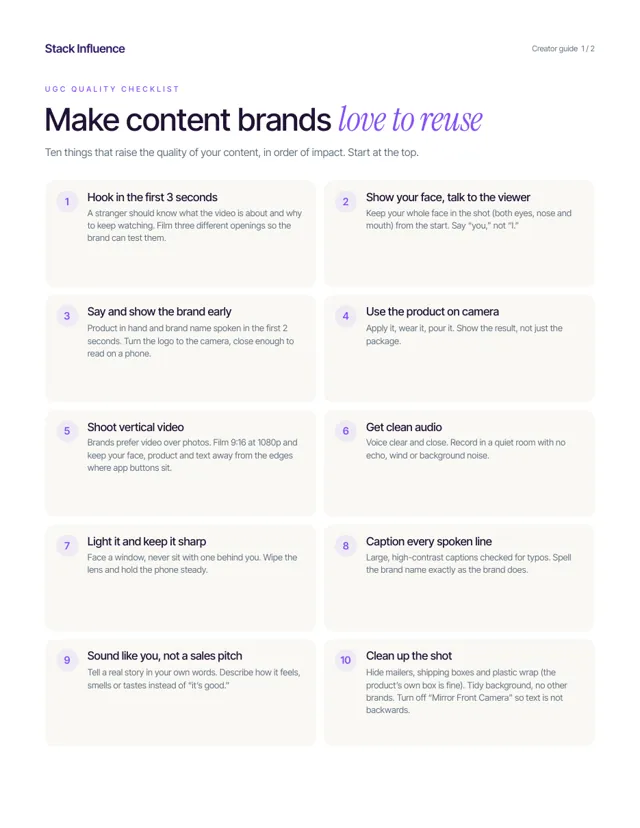 Content qualityUGC quality checklistTen things that raise the quality of your content, in order of impact, plus five rules to stay compliant.2 pages · Read the guide →